Features
Features marked Coming are in progress. See the roadmap for the order.
Command Center
⌘K on a Mac, Ctrl+Shift+` elsewhere.
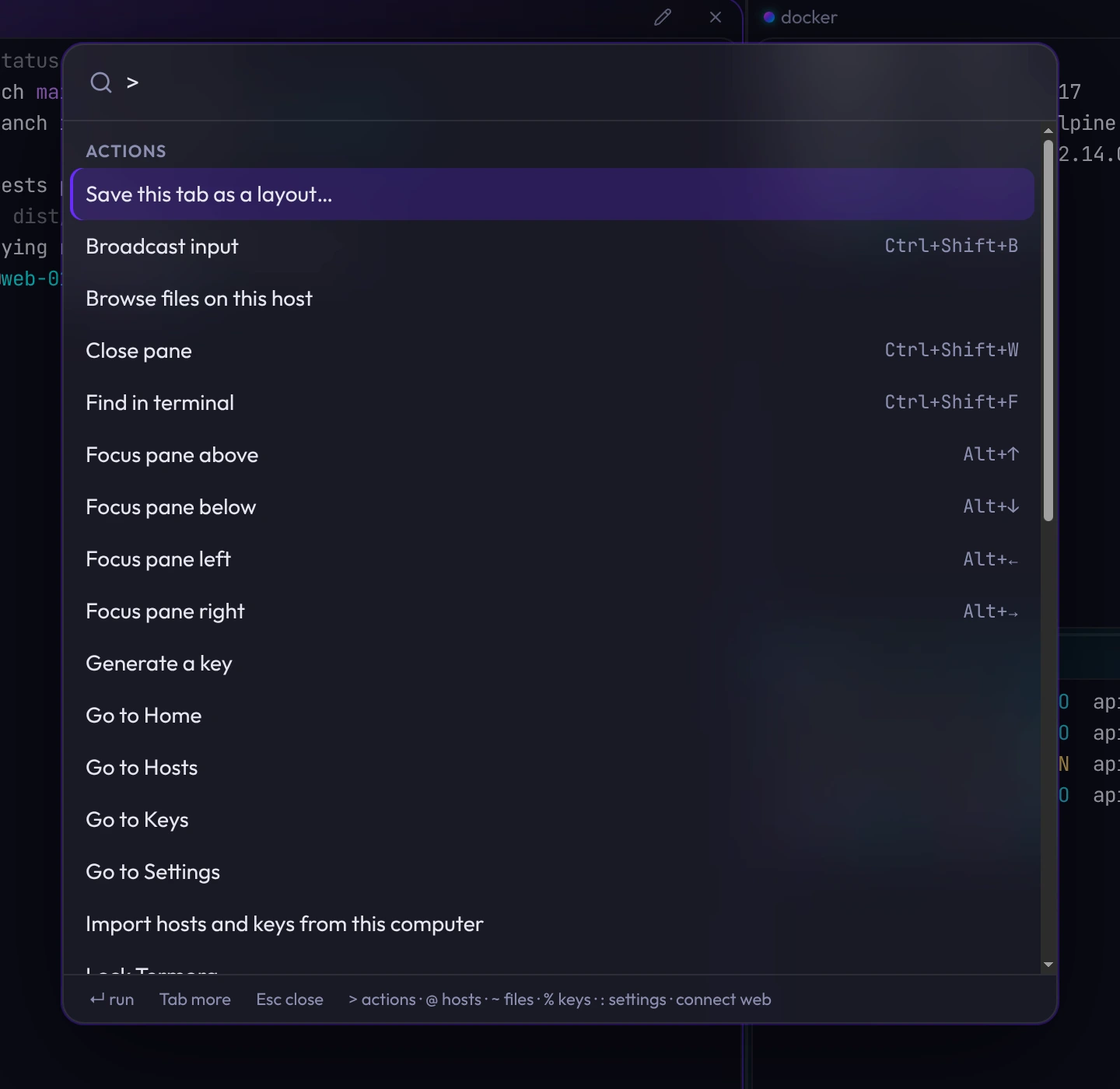
- One list for everything
- Hosts, groups, open sessions, keys, layouts, themes, settings and actions, ranked by what you use most.
- Filter by action
- Start with connect, ssh, split, edit or theme to narrow the list. Search hosts by name, address, tag or identity.
- Quick connect
- Type user@host:port to connect without saving the host. Recent addresses stay in the list.
- Preview themes
- Hover a theme or accent to preview it. Enter keeps it, Escape reverts.
Workspace
Split panes you rearrange by dragging.
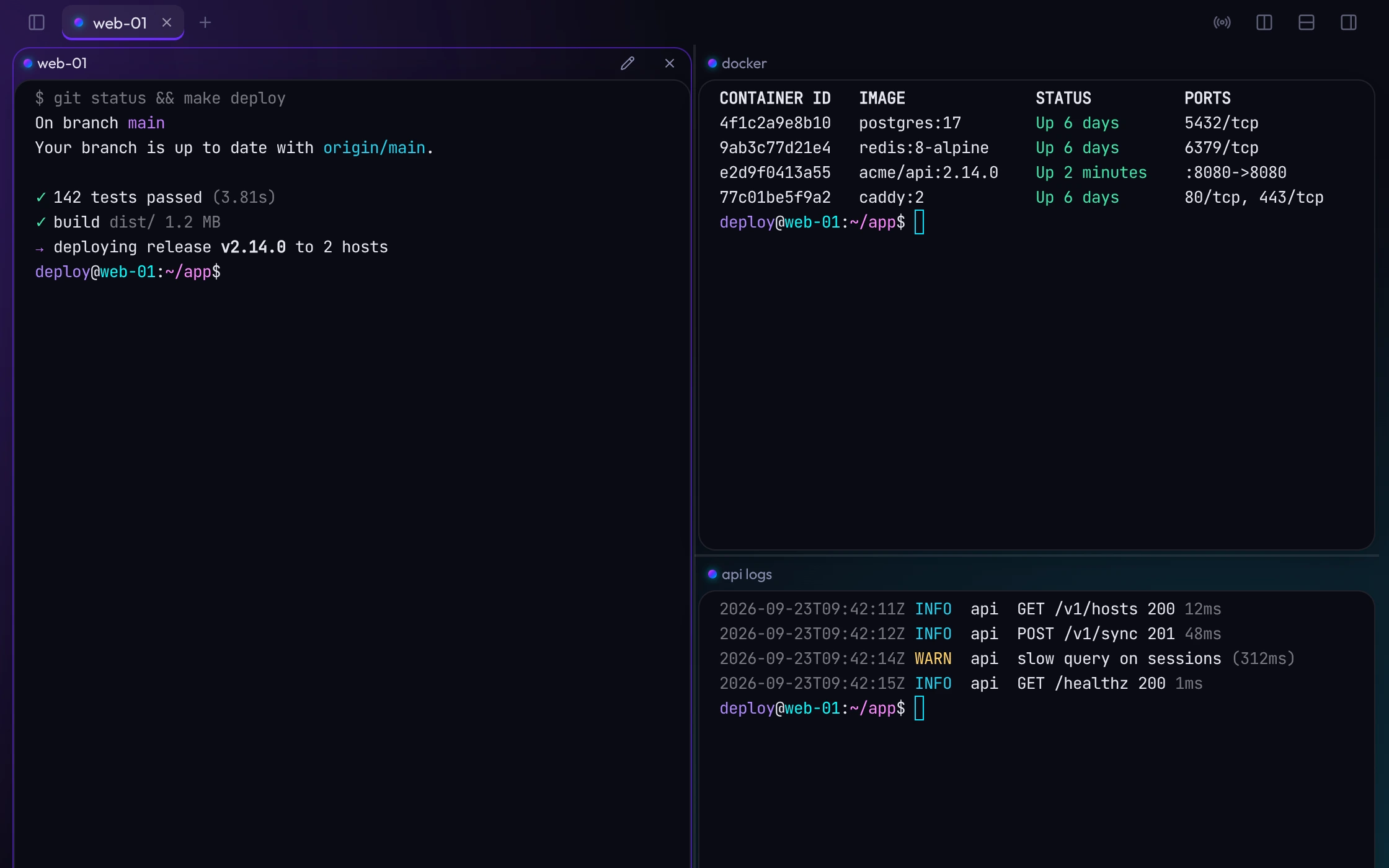
- Drag to arrange
- Drop a tab, pane or host onto a pane to split, swap or replace it. Every drag has a menu equivalent.
- Panes keep their sessions
- Move a pane to another tab, or merge tabs, without reconnecting.
- Named panes
- Name panes, like "api logs", to keep busy tabs readable.
- Broadcast input
- Type into every pane in a tab at once.
Home and layouts
Your usual servers and the tabs you had open.
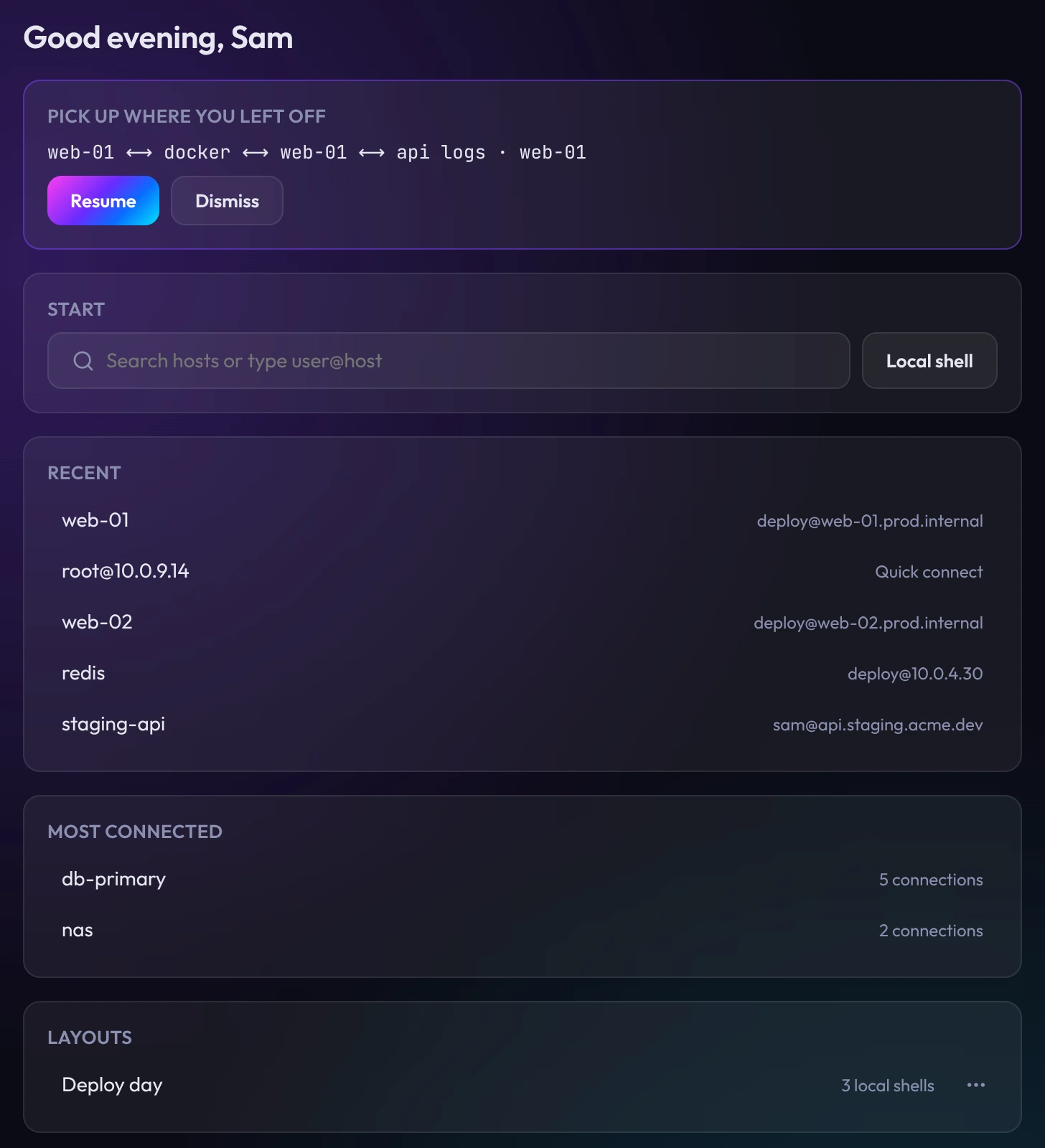
- Recent and Most connected
- Based on real connections only.
- Resume
- Your last tabs and splits are saved in the encrypted vault. Nothing reconnects until you choose Resume.
- Saved layouts
- Save a tab of splits and reopen it later. Rename, duplicate or delete layouts from Home or the tab bar.
- Your Termora
- Commands run, time connected, sessions, streaks and badges. Counts only, stored on this computer. Reset them in Settings.
Hosts and connections
Groups, jump hosts and sign-in for hundreds of servers.
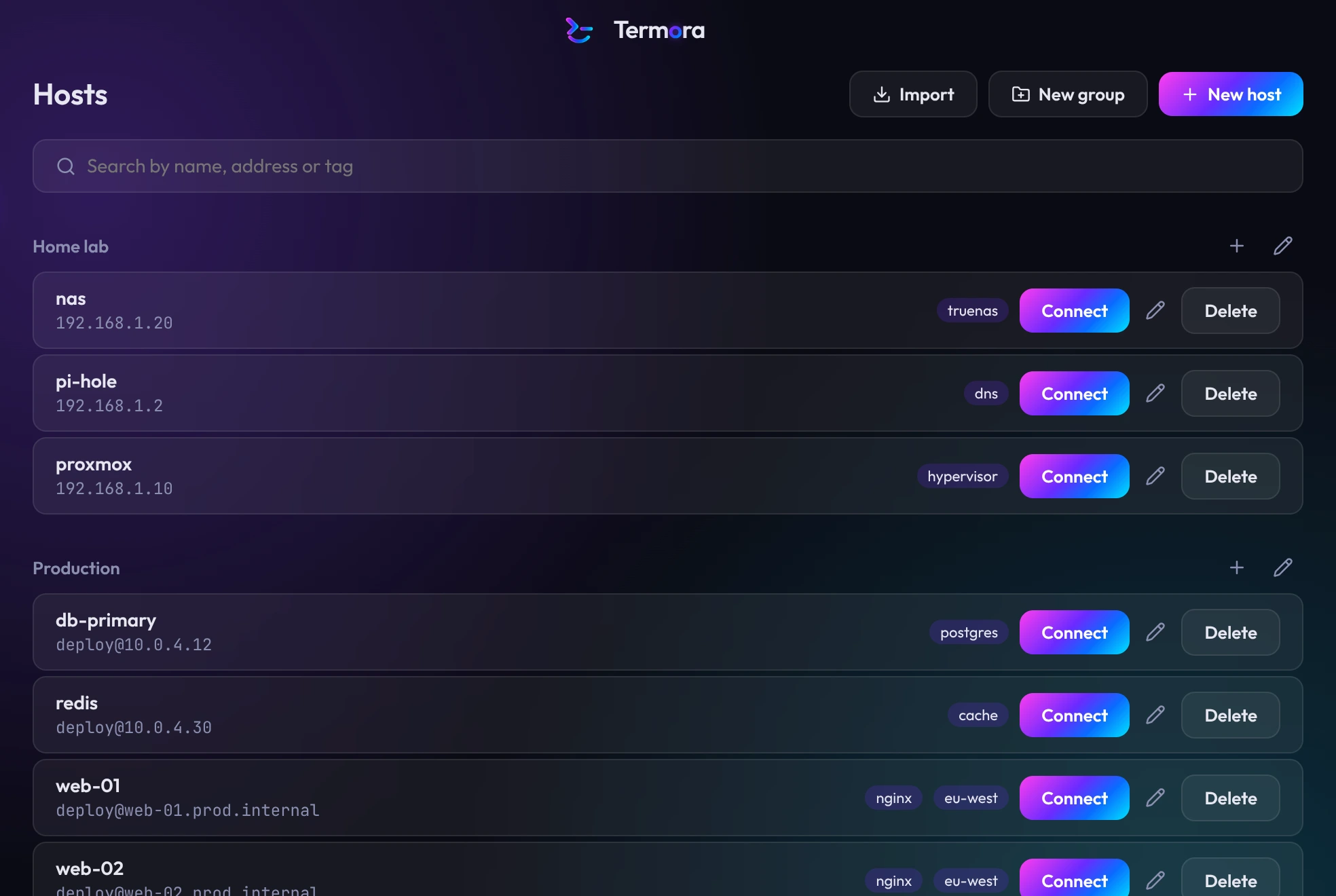
- Inherited settings
- Set identity, port, jump host, agent forwarding and terminal theme on a group. Hosts and nested groups inherit them, and any host can override a setting.
- Two-factor sign-in
- One-time codes and Duo-style prompts, alongside keys, passwords and your SSH agent. Hosts without a saved identity ask how to sign in and offer to save it.
- Jump hosts
- Connect through one or more bastions, set once on a group.
- Automatic reconnect
- Keep-alives hold idle sessions open. Dropped connections reconnect with scrollback intact.
- Host key checks
- Termora shows the fingerprint on first connect and blocks the connection if it changes.
Import
Your existing SSH setup, in a few clicks.
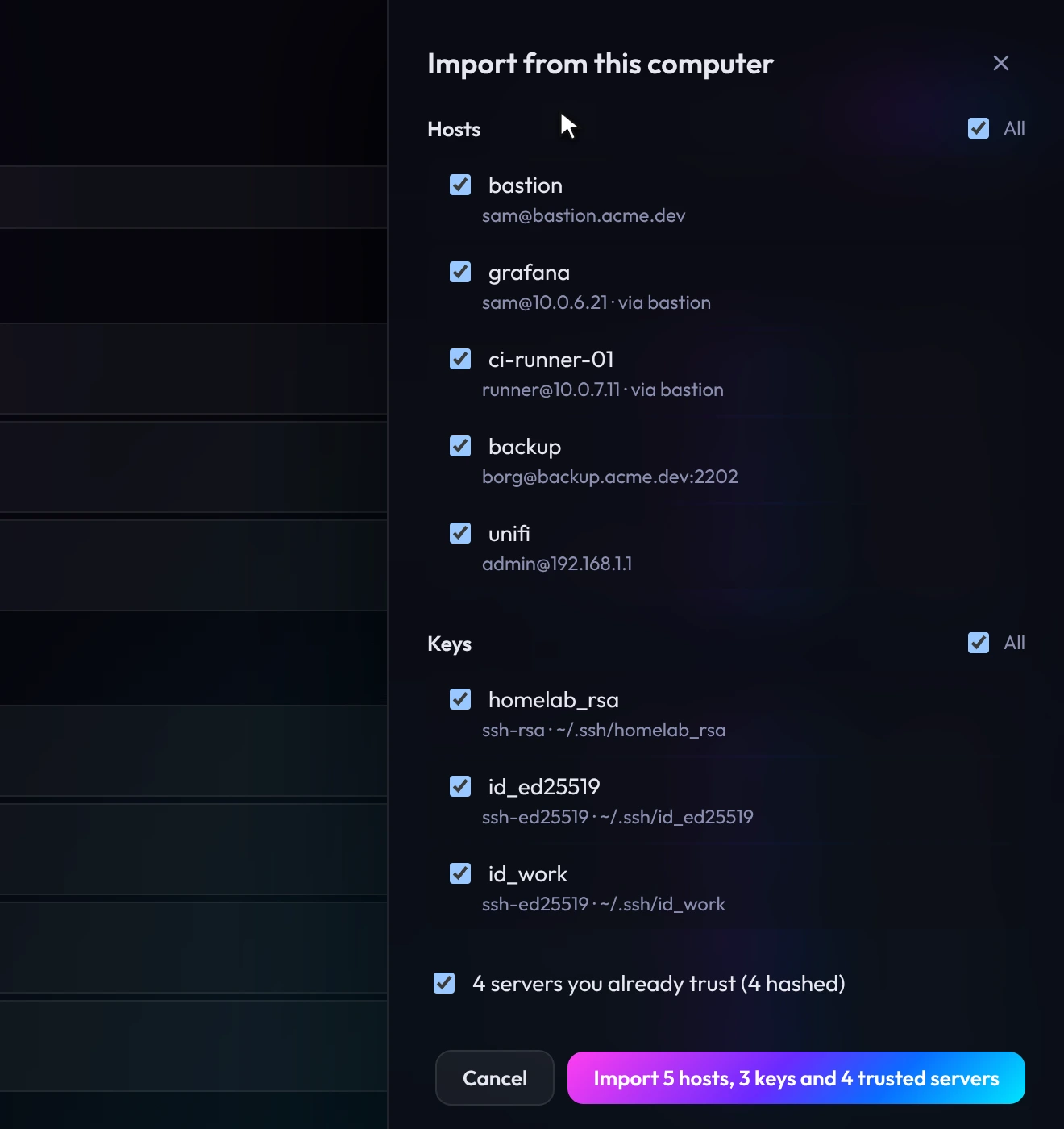
- ~/.ssh/config
- Hosts with their users, ports, keys and jump hosts, including Include files and Host * defaults.
- Keys and known_hosts
- Private keys are imported into the vault with your known_hosts, hashed entries included, so known servers connect without a prompt.
- PuTTY on Windows
- Saved sessions, host keys and .ppk keys, including passphrase-protected ones.
- Review first
- Choose what to import. Items already in Termora are marked.
- TermiusComing
- Import hosts and keys from a Termius export.
Keys and identities
Private keys stay encrypted until a connection uses them.
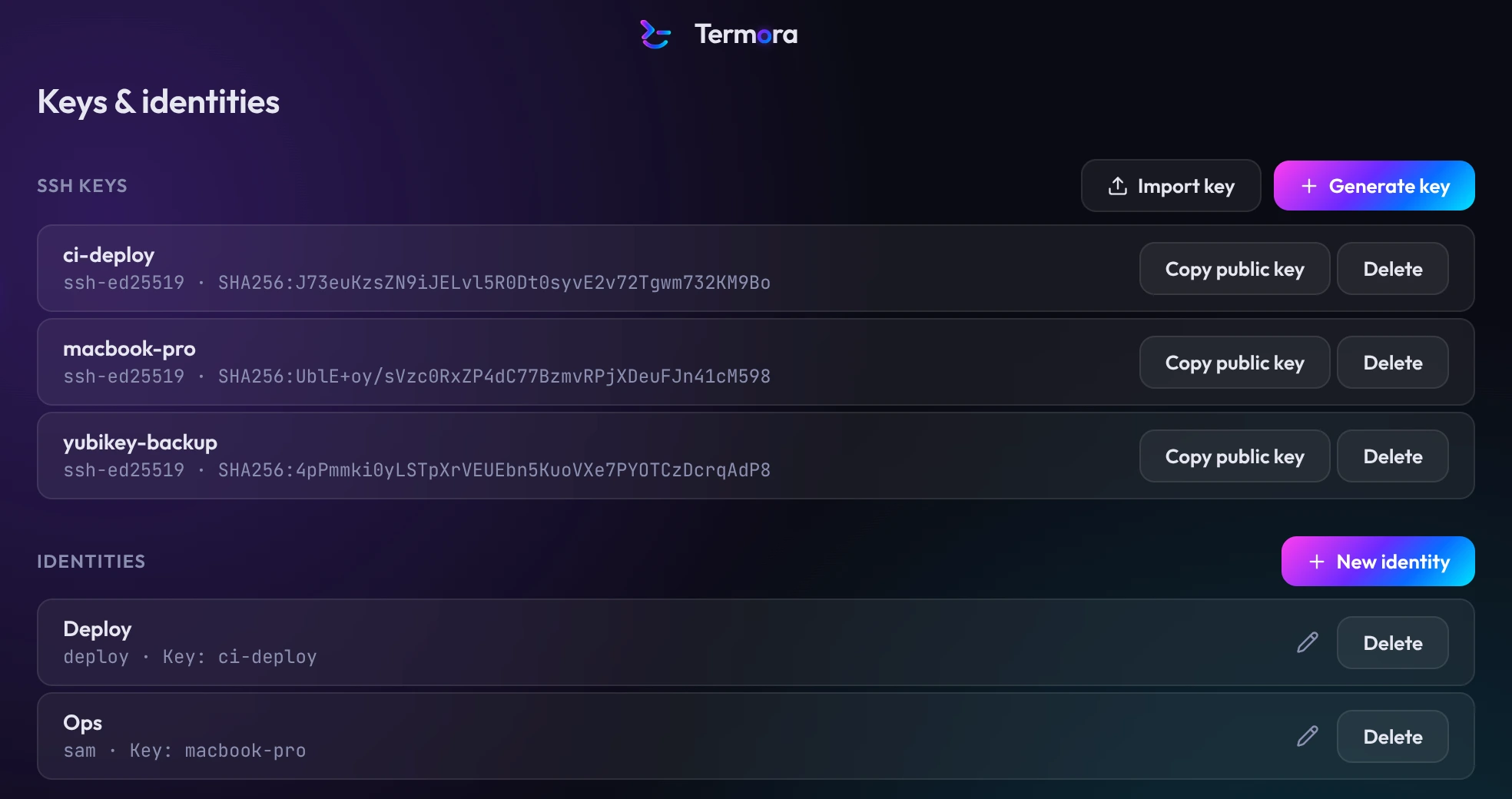
- Generate keys
- Ed25519 by default, plus ECDSA and RSA-4096.
- Import keys
- OpenSSH and PEM keys, with or without a passphrase.
- Identities
- Save a username with a key or password and reuse it across hosts. Saved passwords can be replaced but never shown.
- Hardware security keysComing
- FIDO2 keys such as YubiKey, with touch and PIN prompts, and PIV smart cards through PKCS#11.
- Built-in agentComing
- Forward keys to servers, optionally confirming each use.
Files
An SFTP browser beside the terminal.
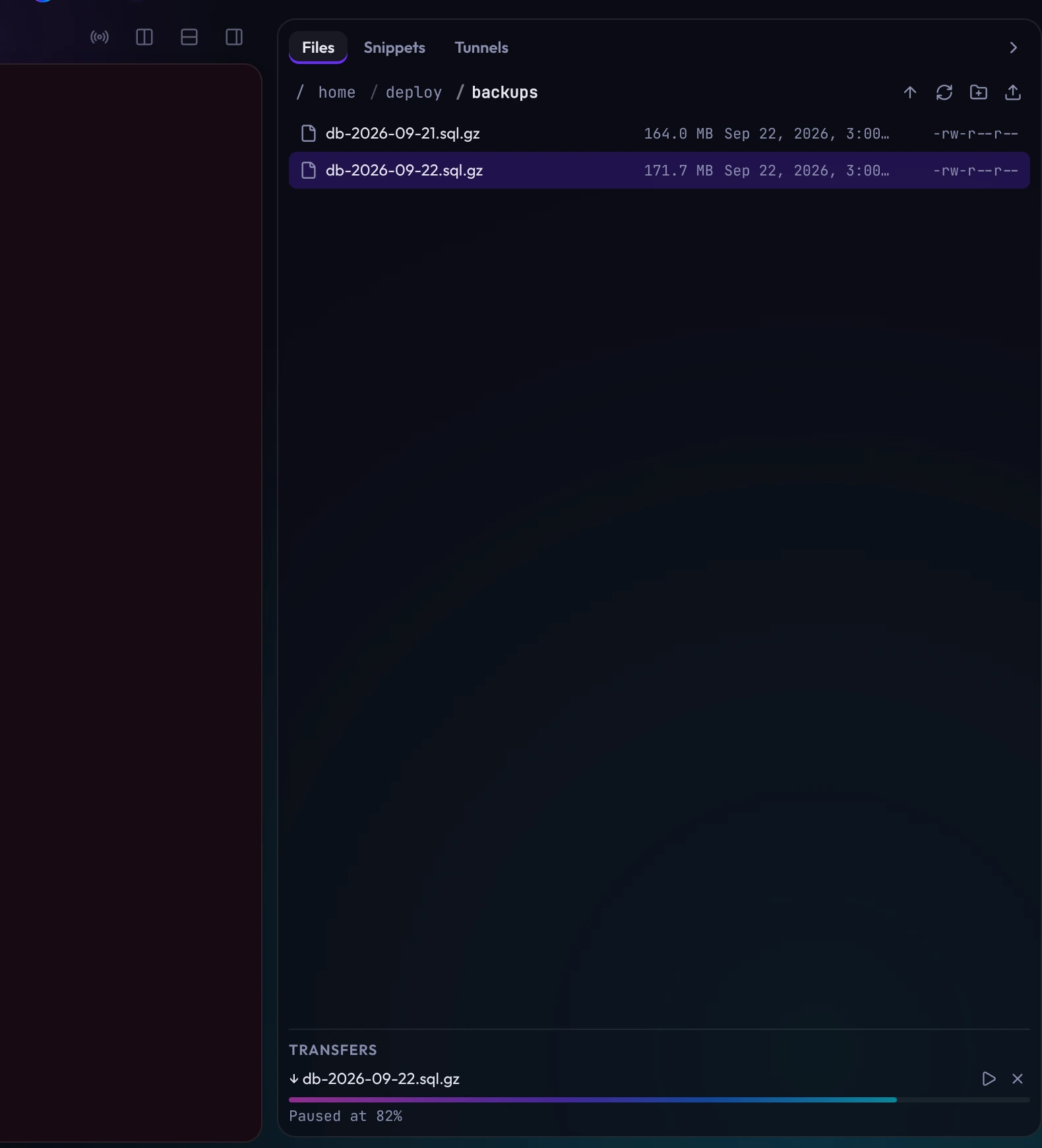
- Same connection
- Open Files from the rail, or right-click a terminal and choose Browse files. SFTP uses the open session, so there's no second sign-in.
- Upload and manage
- Drop files on the tray to upload. Rename, create folders, change permissions and delete from the right-click menu.
- Resumable transfers
- Pause and resume large files. If the connection drops, transfers continue when it's back.
- Edit in your editor
- Open a remote file in your own editor. Termora uploads each save, and asks before overwriting changes made on the server.
Tunnels and snippets
Reach remote databases and dashboards from your computer.
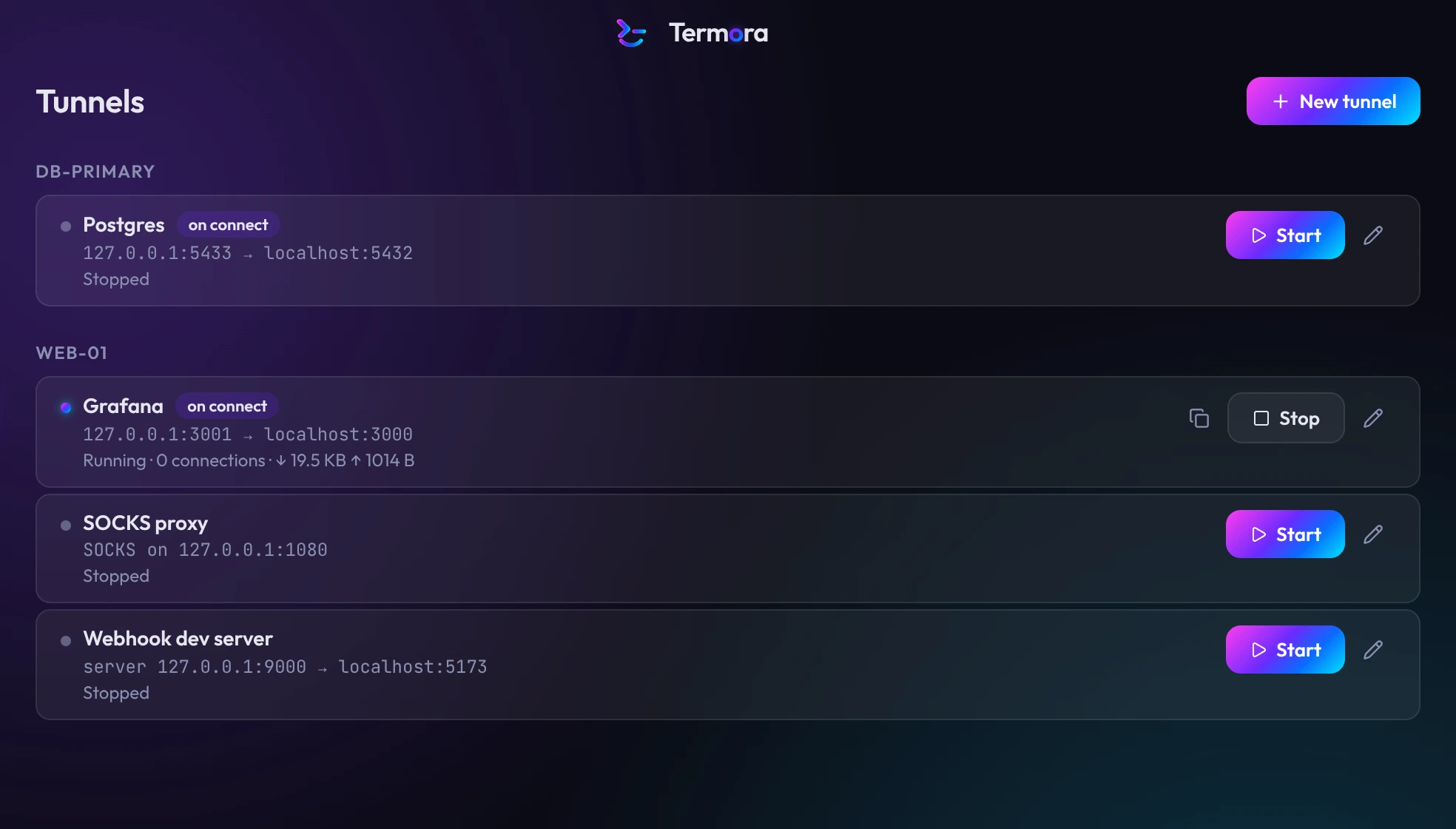
- Local, remote and SOCKS
- Save tunnels on a host. Each shows its route, status and traffic.
- On connect or on demand
- Start a tunnel when you connect to its host, or from the Tunnels page without a terminal.
- Reconnects with the session
- Tunnels pause while a session reconnects and resume with it. Opening a tunnel to other machines on your network needs confirmation.
- SnippetsComing
- Saved commands with {{variables}}, run in one session or across hosts.
Vault and unlocking
Everything you save is encrypted on your computer.
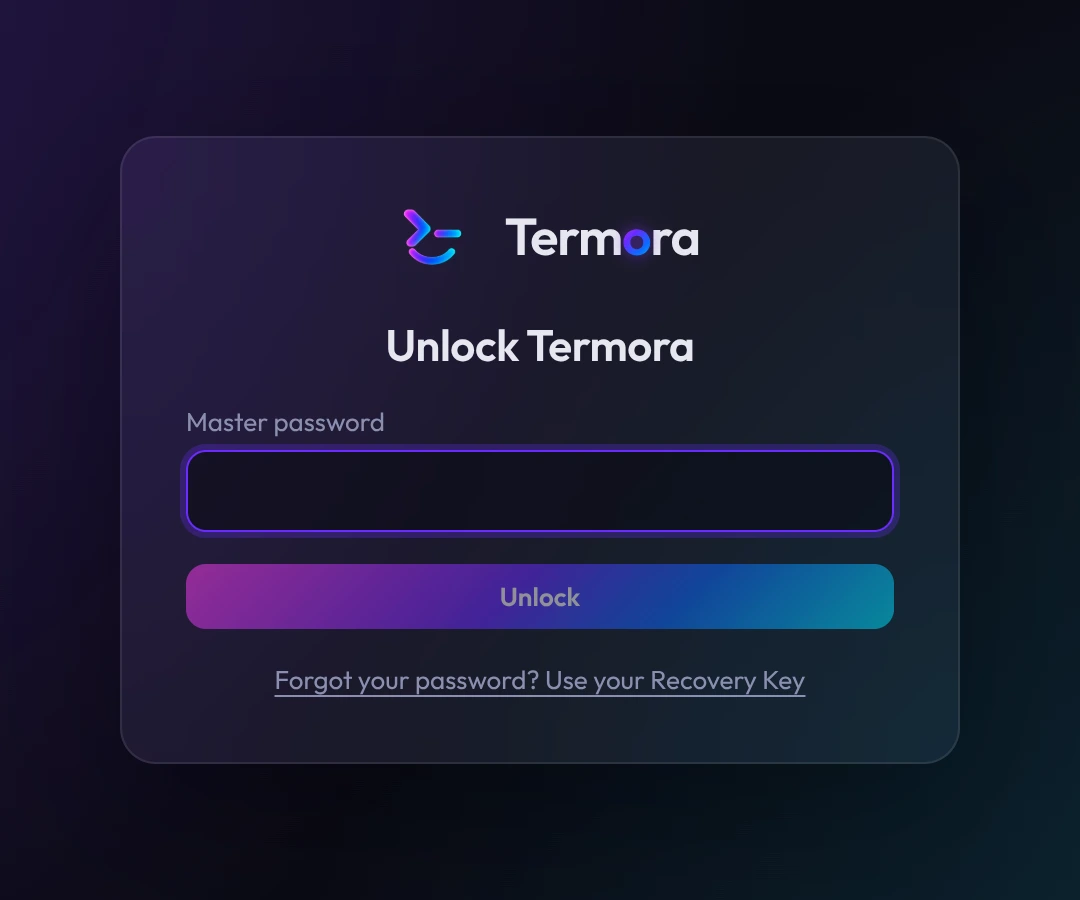
- Master password and Recovery Key
- Your master password unlocks the vault. The Recovery Key, shown once during setup, unlocks it if you forget the password.
- Auto-lock
- After a set idle time, on sleep and when your screen locks.
- Touch ID and Windows HelloComing
- Unlock with a fingerprint or face, using the system keychain.
- Unlock with a security keyComing
- Use a FIDO2 key instead of, or alongside, your password. Works on Linux too.
Look and feel
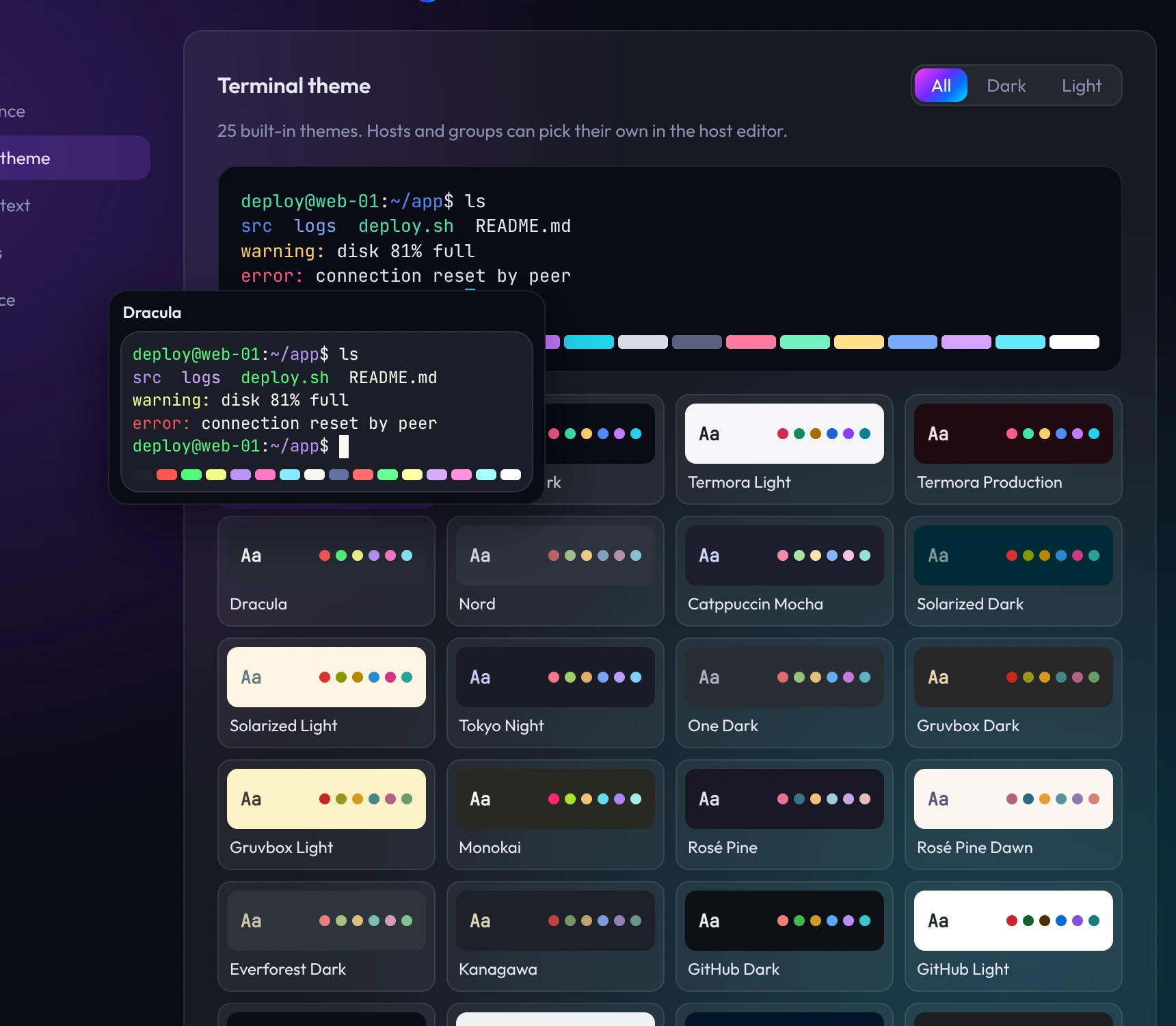
Twelve accents and 25 terminal themes.
- Twelve accents
- Aurora, Ocean, Sunset, Mint, Ember, Rose, Violet, Crimson, Forest, Lagoon, Indigo and Graphite, applied across the interface and the terminal cursor.
- 25 terminal themes
- Termora Dark and Light, a red Production theme, Dracula, Nord, Catppuccin, Solarized, Tokyo Night, One Dark, Gruvbox, Monokai, Rosé Pine, Everforest, Kanagawa, GitHub, Ayu, Night Owl, Tomorrow Night and two high-contrast themes.
- Previews
- Hover a theme to preview it, in Settings and during setup.
- A theme per host or group
- Give production hosts their own theme to tell them apart.
Updates
Signed, automatic updates.
- Signed updates
- Updates download in the background and are verified against our signature before installing. Stable and Beta channels.
- What's new
- After an update, Termora shows what changed. Also in Settings → About.